



Construction Software in New York City: Tools Powering Urban Building in 2025
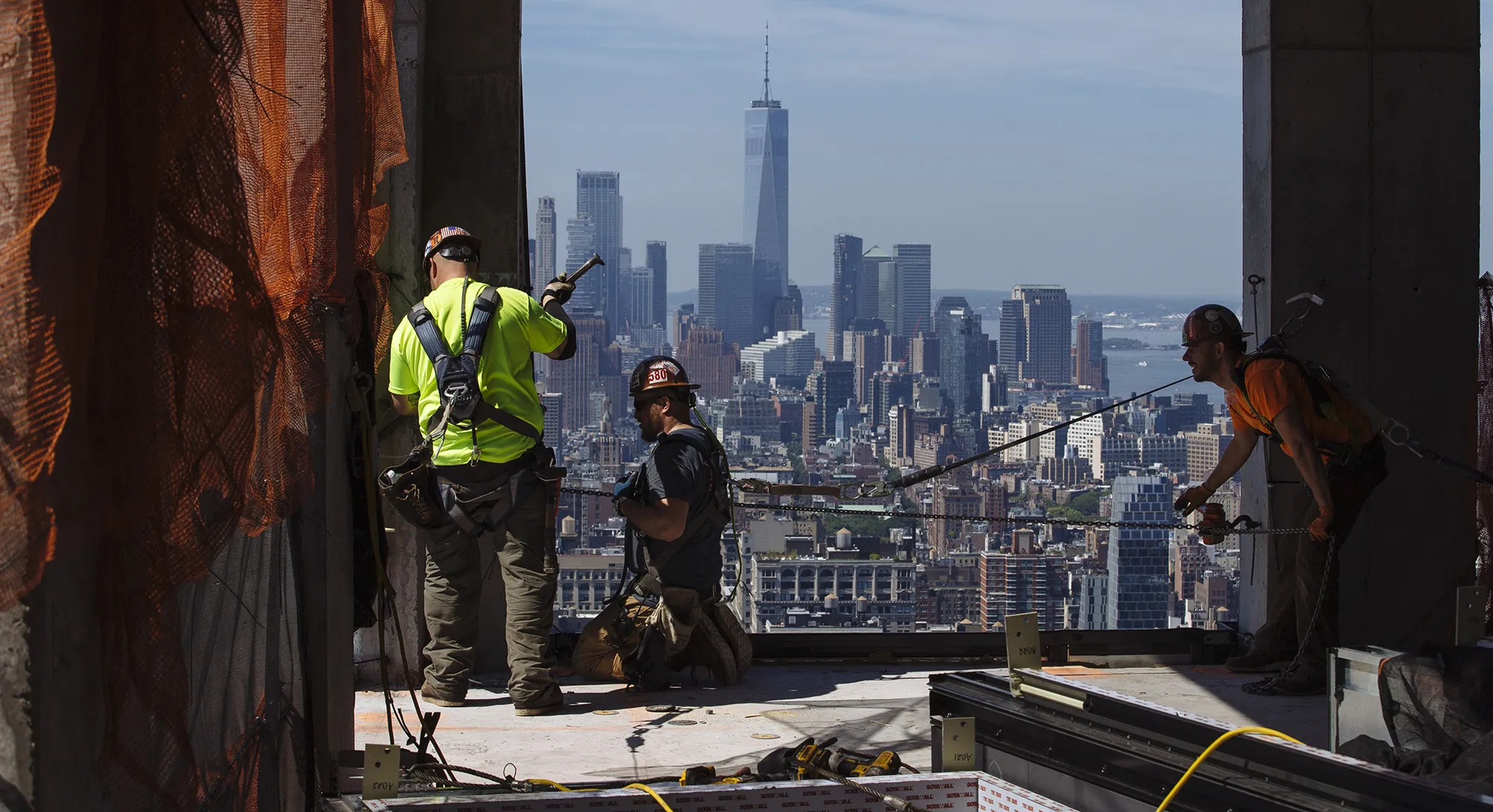
New York City’s construction industry faces constant pressure to deliver complex projects on tight timelines. As regulations, costs, and competition increase, companies look for tools that make coordination and compliance easier. Construction software in New York City enables teams to manage projects efficiently, improve safety oversight, and keep every stakeholder aligned from planning to closeout. Tools like our guide to the best construction software of 2025 show how digital workflows are evolving across the industry.
From high-rise developments in Manhattan to infrastructure upgrades across the boroughs, technology now shapes how contractors plan, track, and report progress. Cloud-based platforms, mobile project management tools, and AI-driven insights help standardize workflows, capture jobsite data, and reduce costly delays.
In this guide, we’ll look at the top construction software options used across New York City, the measurable benefits they bring to urban projects, and how to choose the right platform if you want to stay competitive in this demanding market.
Top Construction Software Solutions in New York City
New York City contractors rely on digital tools that integrate scheduling, cost tracking, and compliance management. The most competitive platforms support collaboration among contractors, architects, and developers working within strict timelines and regulations.
Industry Leaders and Local Providers
Several well-established platforms dominate the city’s construction software stack. Procore, Autodesk Construction Cloud, and Buildertrend remain widely adopted for medium to large projects. These systems offer strong integrations with document management tools, mobile apps, and real-time dashboards.
Local and specialized providers also play an important role. Companies such as Knowify and other New York–focused vendors address the unique workflow and compliance demands of city projects. Their solutions often include features for contract administration, cost controls, and MWBE reporting, which are vital for public and city contracts.
Smaller startups like Trunk Tools and Urbint contribute advanced analytics and safety management capabilities. This mix of global leaders and local experts gives firms options that balance scalability, regulation, and service levels tailored to NYC.
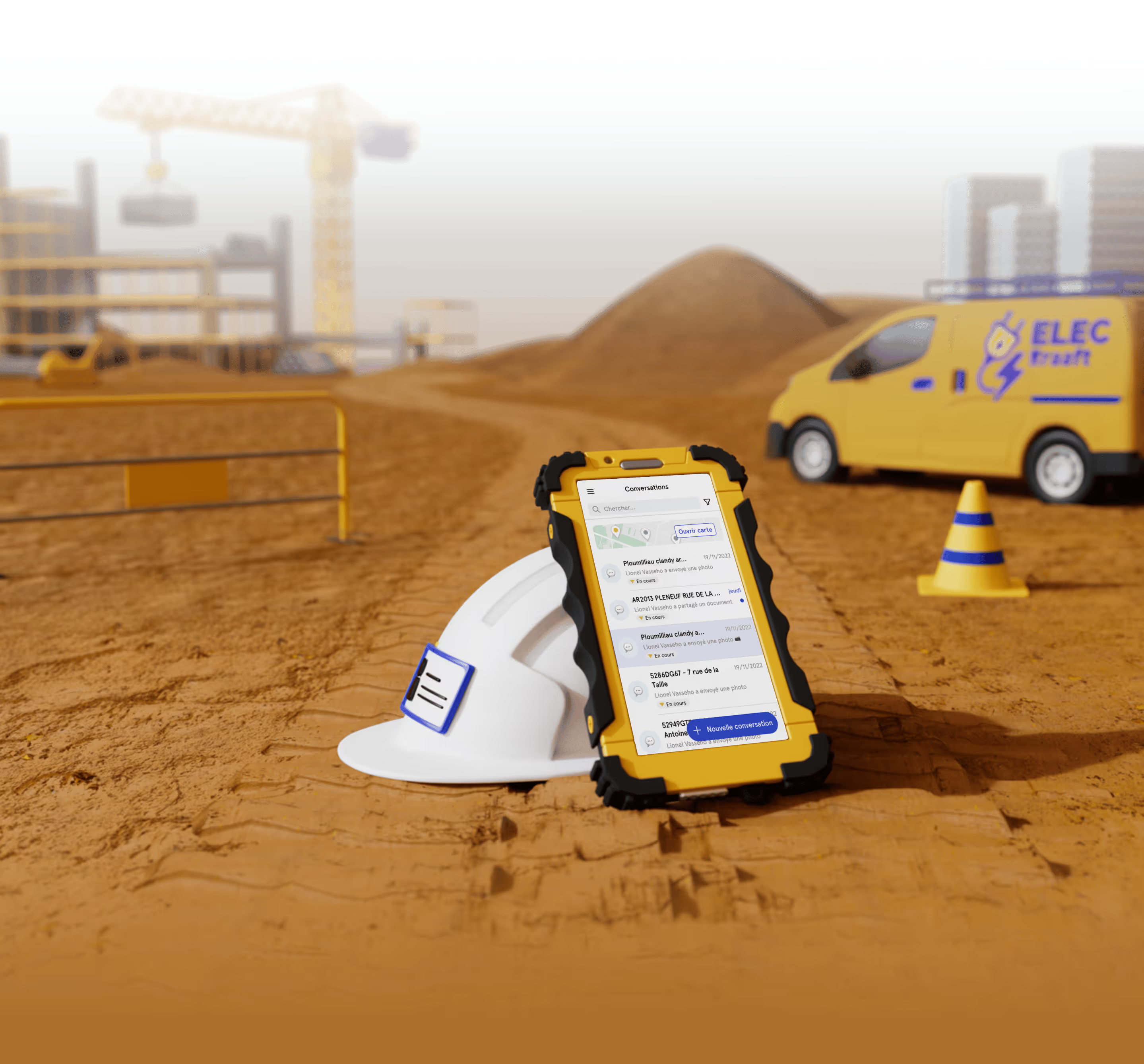
Some contractors also complement these larger platforms with lightweight, field-first apps focused on messaging, photos, and daily reports to fill communication gaps between GCs, subs, and foremen.
When companies look for field-first alternatives, many compare these platforms to lightweight tools such as Kraaft — see our full Procore alternative guide.
Key Features for NYC Construction Firms
Construction teams in New York need software that can handle both dense urban logistics and stringent regulatory oversight. Systems must manage permits, change orders, and project documentation efficiently to comply with Department of Buildings standards and Local Laws.
Essential capabilities include:
- Real-time collaboration between field and office teams
- Automated compliance tracking and safety reporting
- Resource and labor scheduling across multiple job sites
- Budget forecasting tied to local cost databases
- Mobile photo and video documentation for inspections and sign-offs
- Simple, WhatsApp-style communication for subcontractors and foremen
Cloud-based platforms such as Procore, Buildertrend, and telecom-focused tools like Vitruvi support these needs through mobile access and centralized data storage. Many New York contractors favor customizable dashboards that visualize progress and highlight issues before they escalate, improving both accountability and productivity.
For heavy documentation requirements, see our article on photo & documentation tools.
Software Comparison: Matching Tools to Use Cases
Pricing, implementation time, and usability often determine which product construction firms choose. Instead of a one-size-fits-all approach, it helps to match each platform to the type of work you do most often.
- Procore
- Type: Cloud-based construction management platform
- Strength: Robust project coordination and document control
- Best for: Large general contractors and multi-trade projects
- Autodesk Construction Cloud
- Type: Integrated suite for design and construction
- Strength: Deep design and BIM integration
- Best for: Architecture-driven firms and design–build teams
- Buildertrend
- Type: Cloud-based construction platform
- Strength: User-friendly interface and strong residential focus
- Best for: Small to midsize builders and remodelers
- Knowify
- Type: Job costing and project management software
- Strength: Detailed job costing and budgeting
- Best for: NYC trade contractors and specialty subs
- Vitruvi
- Type: Cloud-native infrastructure construction platform
- Strength: Telecom and utility focus
- Best for: Infrastructure projects and network rollouts
User feedback from 2025 reviews often cites Procore’s reliability, Knowify’s responsiveness, and Autodesk’s design integration as decisive factors. Local providers earn strong marks for tailored support and familiarity with New York permitting and MWBE requirements. Many firms also lean on jobsite-focused apps to boost adoption among field teams.
Benefits of Construction Software for New York City Projects
Digital construction tools help New York contractors handle complex scheduling, workforce tracking, and compliance documentation. Automated systems replace manual recordkeeping, improve decision-making speed, and reduce costly downtime on high-density urban projects.
Improved Project Management Efficiency
New York’s construction schedules often include tight deadlines, limited site access, and overlapping trades. Construction management software centralizes scheduling, budgeting, and task coordination to streamline oversight. Teams can monitor work phases in real time, identify bottlenecks early, and reallocate resources where needed.
Key features such as Gantt charts, budget tracking modules, and automated alerts enable managers to react quickly to scope changes. Cloud-based platforms bring this efficiency to the field, reducing redundant data entry and time lost chasing updates across emails, texts, and scattered apps.
Integrations with procurement, estimating, and documentation workflows ensure cost tracking aligns with project progress. The result is clearer visibility, fewer miscommunications, and a direct reduction in administrative overhead.
Enhanced Collaboration and Communication
Urban construction projects involve multiple subcontractors, consultants, and regulatory agencies. Centralized platforms enable real-time information exchange through shared dashboards, mobile apps, and instant updates. When teams upload the latest drawings or inspection notes, everyone works from the same information, minimizing version conflicts.
Mobile accessibility is critical in NYC’s fast-paced environment. Field teams can:
- Log time and crew activity
- Capture and tag photo updates
- Submit safety reports and checklists
- Confirm deliveries and changes directly from the jobsite
To support this coordination, many software tools include integrated messaging, document version control, and change-order tracking. Jobsite chat apps built for construction can dramatically reduce confusion and speed up decision-making while keeping project data organized and traceable.
Regulatory Compliance and Reporting
Compliance in New York extends beyond standard OSHA requirements. Contractors must meet Department of Buildings regulations, Local Law 196 safety training mandates, and detailed workforce documentation requirements.
Construction software supports these needs by providing centralized databases to track certificates, safety credentials, and inspection histories. Digitized compliance workflows include:
- SST training tracking
- Time-stamped photo documentation for DOB inspections
- Mobile safety reports and incident logs
- Toolbox talks and on-site observations tied to specific projects
Automated reporting tools simplify submission of compliance logs, incident reports, and project audits. This reduces the risk of penalties or work stoppages due to missing or incomplete documentation and strengthens transparency during reviews.
Choosing the Right Construction Software in NYC
Selecting construction software in New York City requires a clear view of operational priorities, growth potential, and system compatibility. Companies that match tools to their workflows and compliance requirements gain smoother coordination across teams, contractors, and city agencies.
Assessing Company Needs
Each construction firm operates differently depending on project focus, trade specialization, and workforce size. A company handling high-rise construction faces different coordination challenges than one managing renovations or service work.
Decision-makers should review:
- Project types (high-rise, infrastructure, residential, service, maintenance)
- Team structure (GC vs subcontractor, self-perform vs heavy sub reliance)
- Compliance demands (LL196, DOB inspections, MWBE reporting)
- Budget and timeline for rollout
NYC firms in particular should look for tools that support Local Law 196 training records, inspection documentation, and clear audit trails. Platforms with strong field adoption and efficient document control help reduce risk during DOB audits.
Key features to evaluate include:
- Scheduling and resource allocation
- Cost visibility and change-order clarity
- Field-to-office communication
- Compliance tracking and safety documentation
- Structured photo and file management
Choosing a platform aligned with how crews actually work prevents wasted time and unused features.
NYC firms juggling subcontractor-heavy projects often start with communication-first tools — we break this down in our article on why Kraaft focuses on subcontractors.
Scalability for Large Urban Projects
New York City's density and fast pace demand scalable systems. Multi-phase developments, public works, and high-rise builds require software that can support large teams, frequent schedule changes, and multiple active projects.
Key scalability questions include:
- Does it support many concurrent users without slowdowns?
- Can subcontractors and partners be onboarded quickly?
- Does it handle portfolios of active jobs across boroughs?
Cloud-based systems often work best because they maintain access from field tablets, office desktops, and subcontractor portals. Modular platforms allow firms to start small and expand as project loads increase.
Data consistency remains crucial. Larger networks of subcontractors must work from the same, updated information to avoid conflicts and delays.
Integration With Existing Systems
Software adoption succeeds only if integration with current digital tools runs smoothly. NYC contractors often rely on drawing management tools, estimating platforms, procurement workflows, and safety systems. Selecting software that connects cleanly with these reduces duplicate entry and keeps teams aligned.
Helpful integration points include:
- Document management for drawings, RFIs, change orders, and permits
- Time tracking connected to project schedules and cost codes
- Jobsite reporting connected to internal dashboards or shared folders
APIs and prebuilt connectors streamline these links. Well-integrated systems also make it easier to retrieve documentation during DOB reviews or owner requests.
Why Kraaft Is the Best Construction Software for Subcontractors in New York City
New York City construction moves at a different speed — packed sites, strict inspectors, dozens of subcontractors coordinating in tight spaces, and projects that change daily. Most traditional construction platforms were built for back-office reporting, not the fast, visual communication field crews rely on. This is exactly where Kraaft has become the go-to software for NYC subcontractors in 2025.
Fast, WhatsApp-Style Field Communication
NYC jobs demand quick decisions. Kraaft gives foremen, supers, and PMs a simple chat-based interface designed for construction. Crews send updates instantly, share photos, confirm tasks, and keep everyone aligned without endless texts or lost information.
Clean, Organized Photo and Documentation Tracking
Subcontractors depend on photo evidence for inspections, sign-offs, change orders, and owner communication. Kraaft automatically organizes photos by project and location, making it easy to prove work quality or respond to DOB questions.
Daily Logs and Voice-Powered Reporting
Field crews can record progress, flag issues, and submit voice-powered updates — perfect for fast-moving NYC jobs where teams jump between units, floors, or boroughs. PMs get visibility without chasing updates.
Built Specifically for Subcontractor Workflows
New York subs juggle multiple small and midsize projects across the city. Kraaft’s “one job = one chat” structure mirrors how crews actually operate, keeping each project clear and easy to monitor. No complex dashboards. No unused modules. Just jobsite coordination that works.
Designed for NYC Speed, Density, and Compliance
Local Law 196 safety records and DOB-friendly documentation are built into Kraaft’s workflows. Time-stamped photos, quick logs, and clear audit trails help teams stay compliant and organized in a city where documentation matters.
The Bottom Line: Kraaft Leads New York City Construction Software in 2025
With its field-first design, lightning-fast communication tools, and clean documentation workflows, Kraaft delivers exactly what New York subcontractors need. Instead of forcing teams into heavy, unused dashboards, Kraaft adapts to how construction crews actually work — fast, mobile, and highly collaborative.
For subcontractors looking to improve coordination, reduce delays, and stay competitive across the five boroughs, Kraaft stands out as the most practical and jobsite-ready software in New York City.

Reconnect the site
and the office