



Construction Field Communication Software: The Operations Leader's Guide to Closing the Field-to-Office Gap
Construction Field Communication Software: The Operations Leader's Guide to Closing the Field-to-Office Gap
Construction field communication software is a purpose-built platform that connects field crews and the back office in real time — combining jobsite messaging, geotagged photo documentation, structured daily reports, and task tracking in one system designed for the realities of a construction site. Unlike consumer chat apps or paper forms, it turns scattered field activity into a structured, searchable record the office can act on immediately.
Every operations leader in construction knows the pattern. A crew spots a problem on site at 9 a.m. By the time it reaches the office, gets logged, discussed, and acted on, it's the next afternoon — and the fix now costs three times what it would have. The information exists. It just moves too slowly, through too many hands, in too many formats.
For the operations leaders evaluating these tools, the question is no longer whether to digitize field communication, but which approach actually delivers a return instead of adding another dashboard nobody opens. This guide breaks down what the software does, the operational costs it removes, how to evaluate options, and what a realistic ROI looks like.
What Is Construction Field Communication Software?
The category exists because the tools most crews actually use weren't built for construction. Text messages and consumer chat apps scatter critical information across personal phones with no structure, no searchability, and no link to a project record. Paper forms get lost, damaged, or sit in a truck for a week. Email is where field updates go to die. Construction field communication software replaces this patchwork with one connected source of truth.
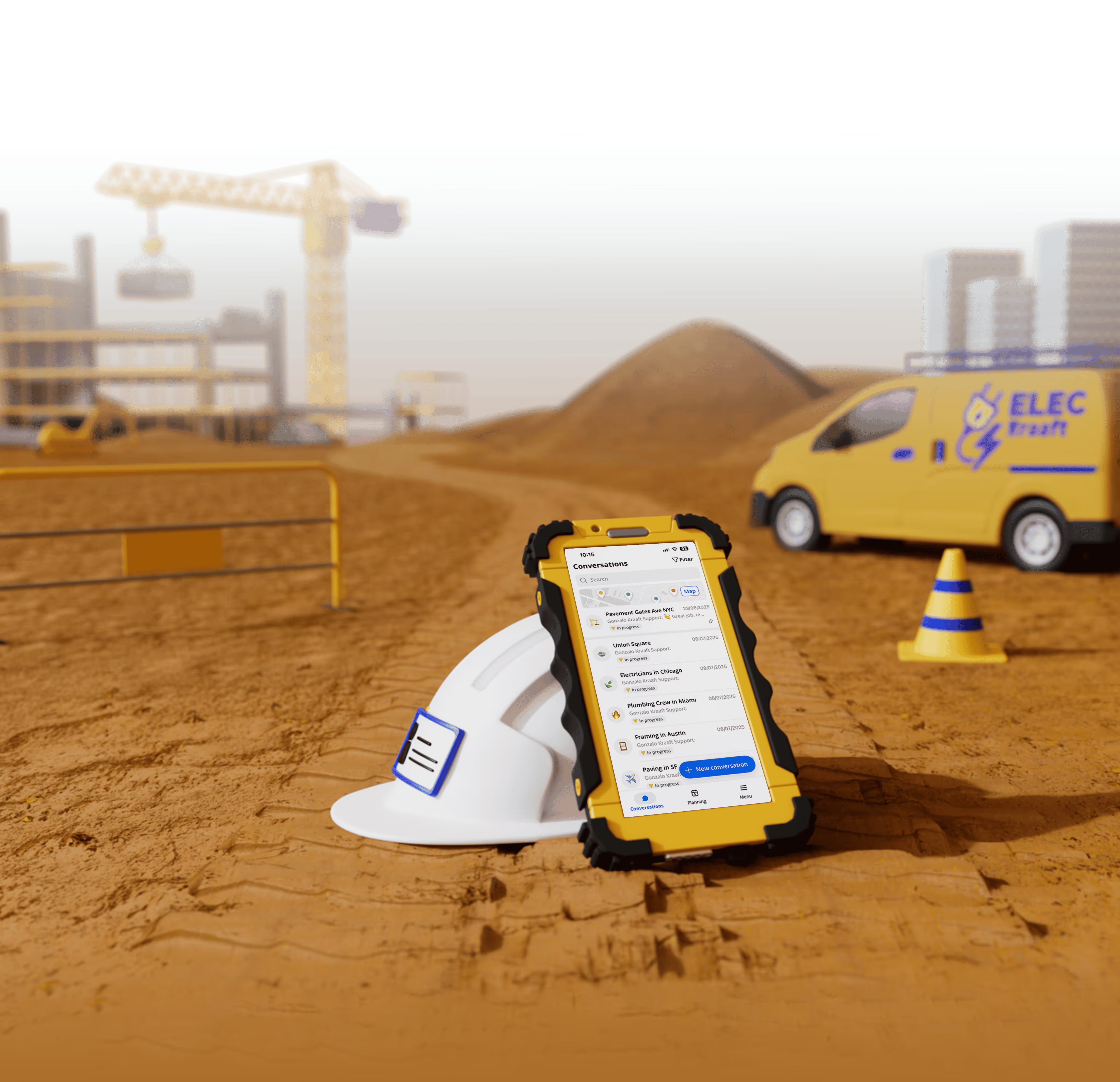
The strongest platforms in this space — including tools like Kraaft, which has replaced WhatsApp on more than 600,000 construction sites — organize the work around a few core features: construction-specific chat, geotagged and timestamped photos, voice-driven daily reports, maps that locate every message and report, and an office dashboard that turns field activity into structured data. Offline functionality is non-negotiable — crews keep logging work when there's no signal, and everything syncs automatically once they're back online. This shift toward field-first tooling is the same trend driving the best mobile apps for construction teams.
For a fuller category overview, Kraaft's roundup of the best communication tools for construction field teams in 2026 compares the leading options side by side.
What Does Poor Field Communication Actually Cost?
Before you can judge software, you have to price the problem it solves. For most contractors, the cost of poor field-to-office communication is large, continuous, and mostly invisible on the P&L.
Administrative time drain. Site managers routinely spend one to two hours a day chasing information, rewriting field notes into formal reports, and forwarding photos between apps. Multiply that across every supervisor on every project and it becomes an entire salaried role's worth of lost productivity — spent on transcription, not on managing work.
Rework and dispute costs. When a change or defect isn't documented the moment it happens, you lose the evidence you need later. Undocumented site conditions lead to rework you can't bill for and disputes you can't win. A geotagged, timestamped photo taken the day an issue appeared is often the difference between a paid variation and a write-off.
Slow decisions. Every hour between a field observation and an office decision is an hour the crew may be building on top of a problem. Delay compounds. The cost of a fix rises the longer information sits in transit.
Compliance and safety exposure. Safety observations, inspections, and incident records that live in someone's text messages are not records at all. When an auditor, insurer, or client asks for proof, "I'm pretty sure we handled it" is not an answer. This is especially acute in regulated, distributed work like telecom construction, where crews are spread across hundreds of sites.
For an operations leader, these four line items are the real budget you're already spending. Field communication software redirects that spend toward margin instead of waste.
Which Features Actually Move the Needle?
Not every feature matters equally. When evaluating construction field communication software, weight these heavily.
Construction-specific chat and channels. General chat apps bury a defect report between a lunch order and a meme. Purpose-built jobsite chat keeps conversations organized by project and channel, so information is findable weeks later and tied to the right job. This is the on-ramp: if field workers won't adopt the messaging, nothing else gets used. It's also why so many contractors move off consumer tools — see the hidden cost of WhatsApp on jobsites.
Voice-powered daily reports. This is where field communication software earns its keep. Instead of typing a report at the end of an exhausting day — or skipping it — crews dictate what happened, and the software transcribes speech and fills report fields automatically. Reporting that used to be dreaded and delayed becomes something that happens in the moment, hands-free, while it's still accurate. On a jobsite where hands are dirty and gloves are on, dictation beats typing every time.
Geotagged, timestamped photo documentation. Every photo taken in the app is automatically stamped with location and time and linked to the correct project — turning photos from scattered proof-of-nothing into a defensible visual record for progress tracking, quality control, and dispute resolution.
An office dashboard that structures field data. The field captures information; the office has to make it usable. A strong dashboard aggregates reports, photos, and messages into structured, exportable records that plug into your existing project management and billing workflows.
Offline-first reliability. Jobsites lose signal in tunnels, basements, and remote areas. If the software fails without connectivity, crews abandon it. Offline capture with automatic sync is a baseline requirement, not a premium feature. This is a core reason behind the rise of mobile-first construction tools.
Field Communication Software vs. the Alternatives
It helps to see where field communication software sits against the tools it replaces. Paper forms work offline and produce a record, but adoption is low because they're slow and easily lost, and the office only sees the data after a manual delay. Consumer chat apps like WhatsApp and SMS have high adoption and work most of the time, but they produce no structured records and give the office no real visibility. Full project management suites deliver strong records and office visibility, but adoption in the field is low because they're built office-first. Field communication software is the only option that combines strong structured records, offline reliability, high field-first adoption, and real-time office visibility in one place.
The takeaway for operations: full project management suites and field communication software are complementary, not competing. The suite runs the office; field communication software feeds it clean data from people who'd never open the suite themselves. For a broader comparison, see Kraaft's guide to the best construction software in 2025, or the best Fieldwire alternative if you're replacing an existing field tool. Regional buyers may also want the local view — for example, construction management software in Boston or the top construction apps in North America for 2026.
How Should You Evaluate the Options?
The failure mode for these tools is not that they lack features — it's that nobody uses them. Build your evaluation around adoption, because unused software has an ROI of zero regardless of its capabilities.
Start with field adoption. Can a worker in gloves, with no training and no patience for software, send a report in under a minute? Ask for a live demo on a phone, not a polished deck on a laptop. If it isn't obvious in thirty seconds, your crews will route around it.
Weigh speed to value. Some platforms require weeks of configuration and a dedicated administrator; others are usable the same afternoon. A tool that's live in days and delivers a quick win drives far more adoption than a heavily customized system that takes a quarter to stand up.
Check integration. The software should export cleanly into the systems you already run — project management, accounting, document storage. A tool that becomes another disconnected island recreates the fragmentation you're trying to eliminate.
Confirm security and data ownership. Your project records, photos, and reports are business assets and sometimes legal evidence. Understand where data is stored, who owns it, and how you'd export it if you ever left the vendor.
Finally, scrutinize total cost of ownership, not the sticker price. Factor in onboarding, training time, administrative overhead, and per-user cost as you scale across crews and subcontractors. The cheapest license can be the most expensive tool if it demands constant hand-holding.
How Do You Measure ROI and Make the Case Internally?
Operations leaders don't get budget approved with "it feels more organized." Build the business case on numbers you can defend.
The clearest return comes from recovered administrative time. If field communication software saves each supervisor even an hour a day, calculate that against their loaded hourly cost across your team over a year. For most organizations, that figure alone dwarfs the software cost.
Layer in rework and dispute reduction. Estimate what you currently lose annually to undocumented conditions and unwinnable claims, then apply a conservative improvement rate from having timestamped, geotagged evidence on every project. Even a modest recovery produces a large number.
Add faster decision cycles and higher reporting compliance as supporting benefits. Harder to price precisely, but they compound — fewer problems built on top of problems, and a complete audit trail when you need one.
A defensible pilot: roll the software out on one or two projects for 60–90 days, measure supervisor time saved and reporting completion rates against comparable projects, and use those results to justify a wider rollout. Real numbers from your own sites beat any vendor case study.
Common Objections — and Honest Answers
"My crews won't use it." The legitimate concern, and why adoption-first evaluation matters. The tools that succeed feel like the messaging apps workers already use, with voice reporting that's genuinely easier than paper. If a platform demands typing long forms on a phone, the objection is correct — pick a different one.
"We already have a project management platform." Most suites are built for the office and treated as an afterthought by the field. Field communication software is designed the other way around — for the person on site first — and feeds the office system rather than replacing it.
"We tried digitizing before and it didn't stick." Failed rollouts are almost always adoption failures, not technology failures. The lesson isn't "digital doesn't work" — it's "choose for the field worker, start small, and prove value fast."
Conclusion: The Gap Is a Choice
The field-to-office communication gap isn't a fixed cost of doing construction. It's a solvable problem, and the contractors solving it are converting hours of administrative waste into billable productivity, turning photos into defensible records, and making decisions in hours instead of days.
Construction field communication software is one of the rare investments where the cost is small, the return is measurable, and the biggest risk — poor adoption — is fully within your control if you evaluate for the field worker first. The question isn't whether the gap is costing you. It's how much longer you'll keep paying for it.
To see what adoption-first field communication looks like in practice, explore how Kraaft approaches jobsite communication and reporting — or browse more construction guides on the Kraaft blog.
Frequently Asked Questions
What is construction field communication software?It's a purpose-built platform that connects field crews and the office in real time, combining construction-specific messaging, geotagged photo documentation, structured daily reports, and task tracking in one system designed for jobsite conditions.
How is it different from WhatsApp or generic chat apps?Consumer chat apps scatter information across personal phones with no structure, searchability, or link to a project record. Construction field communication software organizes everything by project, captures structured reports and geotagged photos, works offline, and feeds a back-office dashboard.
Does it replace my project management software?No — it complements it. Project management suites run the office; field communication software captures clean data from the field and feeds it into those systems.
Will field crews actually use it?Adoption depends on choosing a field-first tool. Platforms built around familiar chat interfaces and voice-driven reporting see far higher adoption than software that requires typing long forms on a phone.
How quickly can we see a return?Most contractors see returns first through recovered administrative time and reduced rework. A 60–90 day pilot on one or two projects is the fastest way to measure supervisor time saved and reporting compliance before a wider rollout.
Does it work without an internet connection?Quality field communication software is offline-first: crews continue logging work and reports without signal, and everything syncs automatically once connectivity returns.
How much does construction field communication software cost?Pricing is typically per user per month. The figure that matters is total cost of ownership — including onboarding, training, and admin overhead — measured against recovered supervisor time and reduced rework, which for most contractors far exceeds the license cost.

Reconnect the site
and the office