



Kraaft vs PlanGrid (Autodesk) — Which Construction Tool Works Better for Your Team?

Construction teams rely on digital tools to replace paper logs, streamline collaboration, and keep the field and office aligned. PlanGrid, now part of Autodesk Build, has long been known for digital blueprints and field documentation. Kraaft takes a different approach, focusing on fast, chat-based communication and task coordination built for how crews actually work on site.
This comparison breaks down where each tool excels and where they differ, so you can decide which fits your team’s day-to-day workflow.
What Is PlanGrid (Autodesk)?
PlanGrid launched as a mobile-first way for construction teams to access and mark up drawings in the field. In 2018, Autodesk acquired PlanGrid and folded it into the Autodesk Construction Cloud. Today, most PlanGrid functionality lives inside Autodesk Build, with the mobile app acting as the field interface.
PlanGrid’s core value is document-centric. It gives teams real-time access to drawings, markups, issues, photos, RFIs, and forms, all tied back to project plans. For teams managing complex projects with strict documentation requirements, this centralized approach can be powerful.
Over time, however, Autodesk has shifted focus toward its broader platform. As a result, PlanGrid as a standalone product has largely been absorbed into Autodesk Build, increasing both capability and complexity.
What Is Kraaft?
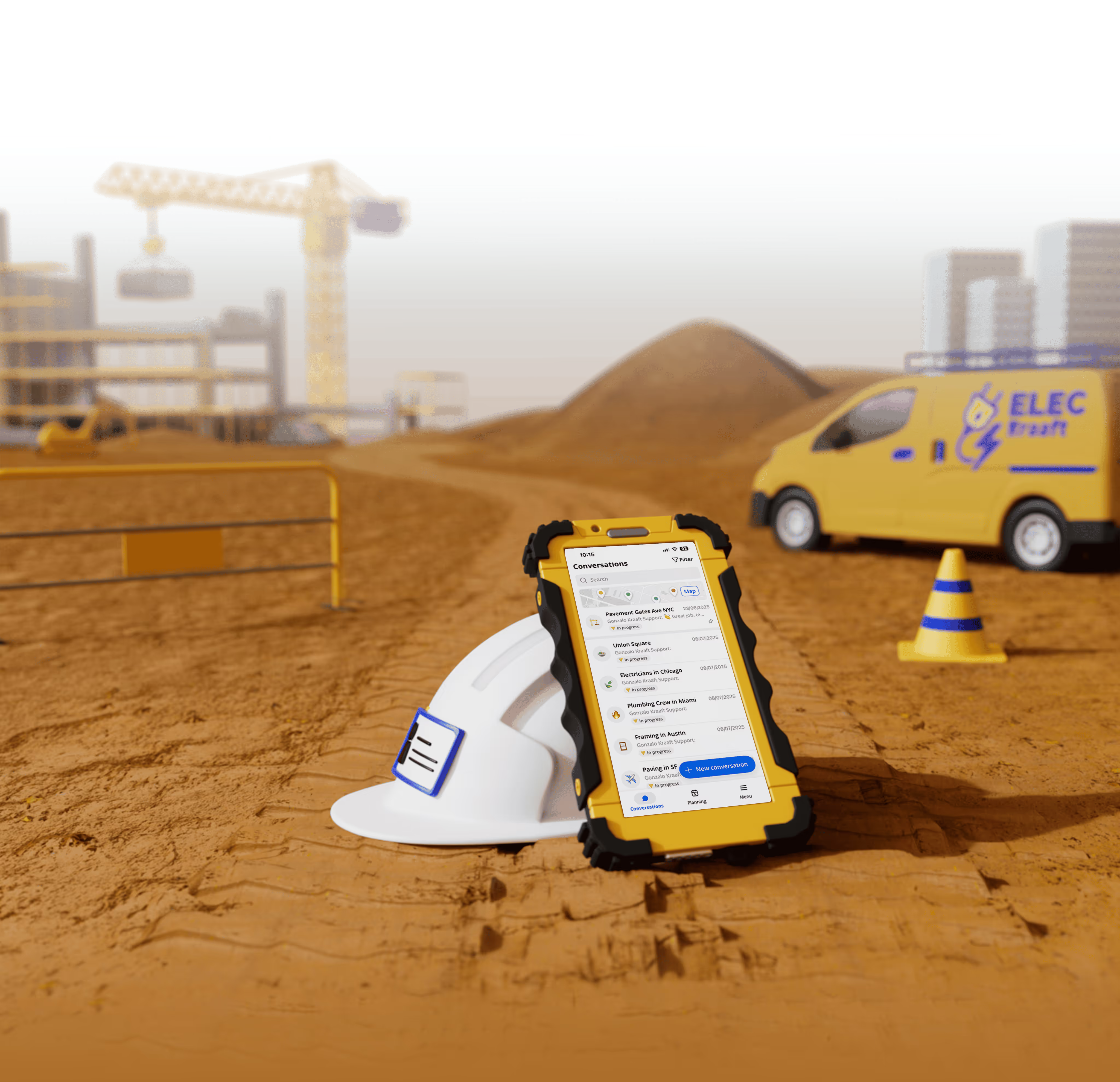
Kraaft is a field-first collaboration platform designed to simplify how construction teams communicate. Instead of centering everything around drawings or documents, Kraaft is built around messaging, photos, tasks, and daily reports.
The product feels familiar to crews because it mirrors the way teams already communicate in tools like WhatsApp or SMS, but adds structure that makes information usable for project tracking and reporting. The goal is to reduce admin work while improving clarity between the field and the office.
Kraaft is intentionally lightweight. It does not try to replace full document management systems. It focuses on helping teams coordinate work in real time.
How the Two Tools Differ in Practice
Field Communication
Kraaft is built around real-time communication. Crews can send messages, share photos, and coordinate tasks in a single, chat-based feed. This makes it easy to capture what is happening on site as it happens and keeps everyone aligned without switching tools.
PlanGrid’s communication is more structured and document-driven. Comments and issues are typically tied to specific sheets or forms. This works well for tracking design-related questions but can feel slower for quick, day-to-day coordination between crews.
Task and Issue Tracking
Kraaft includes simple task assignment and tracking that fits naturally into field conversations. Tasks are easy to create, update, and close without adding overhead for crews.
PlanGrid handles tasks through issues linked to drawings or documents. This provides strong traceability but often requires more setup and discipline to maintain, especially for smaller teams or fast-moving jobs.
Documents and Drawings
This is where PlanGrid stands out. It offers robust tools for managing drawings, controlling versions, and marking up plans. Teams working on large commercial projects or jobs that rely heavily on BIM and design coordination often depend on these capabilities.
Kraaft does not aim to compete here. Documents are not the center of the product. Instead, Kraaft assumes that many field teams care more about photos, updates, and clear instructions than navigating full plan sets on a phone.
Adoption and Ease of Use
Kraaft is designed for immediate adoption. Most users can start using it with little to no training because the interface feels familiar and intuitive.
PlanGrid and Autodesk Build are more powerful but also more complex. Teams often need onboarding and training to use the platform effectively, especially when combining multiple Autodesk products.
Pricing and Overhead
PlanGrid pricing historically increased as teams moved into higher tiers or broader Autodesk bundles. For organizations already invested in Autodesk’s ecosystem, this may be justified. For others, costs and administrative overhead can grow quickly.
Kraaft keeps pricing simpler and more predictable, making it easier for teams to roll out across crews without committing to a large software stack.
Which Tool Should You Choose?
Choose Kraaft if your biggest challenges are field communication, task coordination, and daily reporting, and if you want a tool that crews will actually use with minimal training.
Choose PlanGrid or Autodesk Build if your projects depend on managing drawings, markups, and documentation at scale, especially if you are already using other Autodesk tools.
Final Thoughts
PlanGrid helped define how construction teams manage drawings in the field, and it remains a strong option for document-heavy workflows within the Autodesk ecosystem. Kraaft takes a different path, prioritizing speed, simplicity, and real-time coordination for field teams.
If your goal is to reduce friction between the field and the office and replace fragmented communication with a single, easy-to-use tool, Kraaft offers a modern alternative built around how construction teams actually work.
Reconnect the site
and the office