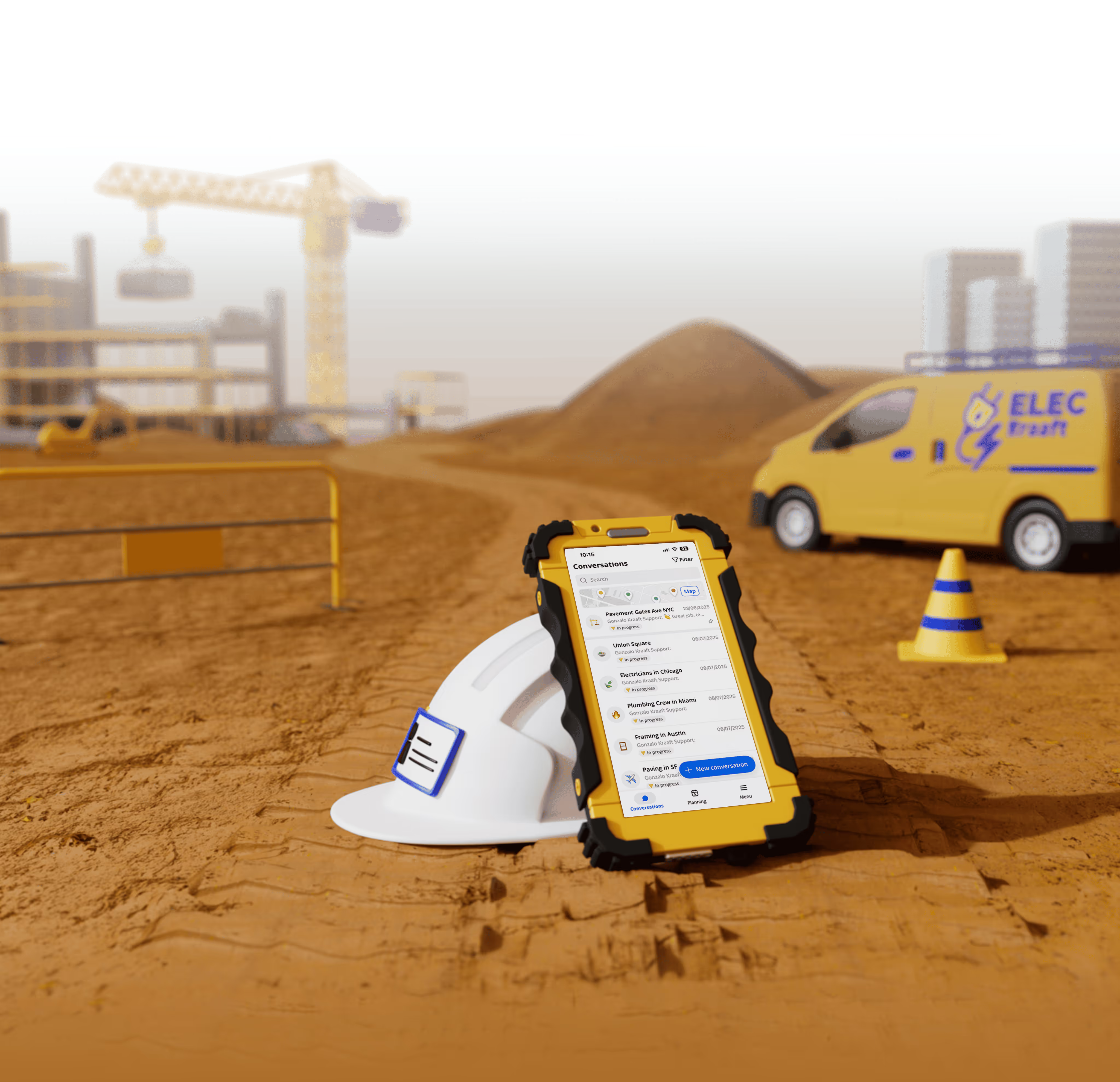




Offline Mode Matters: Why Construction Apps Must Work Anywhere
Construction does not happen behind a desk. It happens in basements, tunnels, rooftops, rural highways, and half-built concrete shells with zero signal.
Yet many construction apps still assume a stable internet connection.
That mismatch creates real problems on real jobsites.
What’s new
Offline mode has gone from a “nice to have” to a baseline requirement for modern construction software.
Why it matters
If your app stops working when connectivity drops, your crews stop documenting, coordinating, and reporting. That leads to lost data, delayed decisions, and gaps between what happened on site and what shows up in the office.
The reality of construction connectivity
Most jobsites are connectivity dead zones at least part of the time.
Common scenarios:
- Underground parking garages and basements
- Remote infrastructure projects and roadwork
- Steel and concrete structures that block signal
- Early-stage sites before utilities are installed
Field teams do not wait for WiFi. They keep working. Your software needs to keep up.
The hidden cost of online-only tools
When apps require constant connectivity, teams adapt in bad ways.
Between the lines:
- Crews postpone updates and forget details later
- Photos live on personal phones instead of the project record
- Tasks and issues get shared verbally instead of documented
- Office teams make decisions with outdated information
The result is not just inefficiency. It is risk.
Missing documentation can affect billing, claims, audits, and safety reviews.
Offline-first changes behavior
When tools work offline, teams actually use them.
What happens when offline mode is reliable:
- Crews log updates in real time, not hours later
- Photos are captured when issues happen, not recreated later
- Foremen trust the app and make it part of daily routines
- Documentation reflects jobsite reality, not memory
Offline mode is not just a technical feature. It is a behavior unlock.
Why offline mode is especially critical for reporting
Daily reports, site photos, and progress updates are most valuable when they are immediate.
If reporting depends on signal:
- Reports get rushed at the end of the day
- Details are missed or simplified
- Accountability drops
Offline reporting allows teams to capture facts on the spot and sync automatically once connectivity returns.
That creates cleaner records and fewer disputes.
How Kraaft handles offline work
Kraaft is built for the reality of the jobsite, not ideal network conditions.
With Kraaft:
- Messages, photos, and updates work without connection
- Content syncs automatically when the device reconnects
- Teams never have to redo work or re-upload files
- Jobsite communication stays continuous
Offline mode is not a fallback. It is part of the core workflow.
That is why Kraaft works in tunnels, basements, rural sites, and anywhere crews actually build.
The bottom line
Construction apps should not require perfect conditions to function.
If your software only works online, it is not jobsite-ready.
Offline mode:
- Protects documentation
- Improves adoption
- Reduces errors
- Reflects how construction really happens
The best construction tools work anywhere. Especially where signal does not.

Reconnect the site
and the office