




Paving Doesn't Wait: Keeping the Plant, the Truck, and the Crew on the Same Page
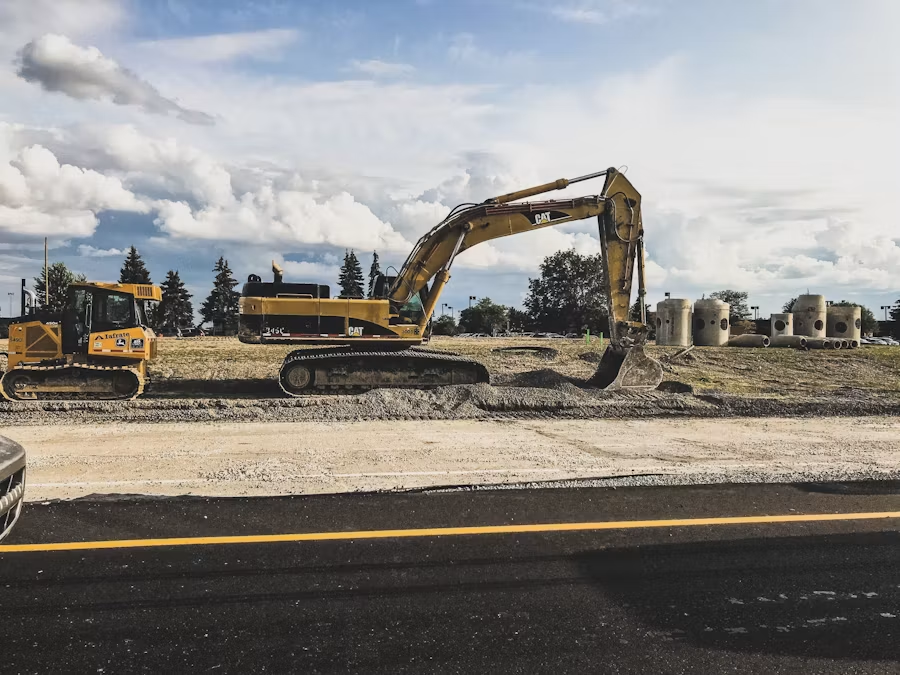
Paving Doesn't Wait: Keeping the Plant, the Truck, and the Crew on the Same Page
Asphalt is unforgiving. The mix leaves the plant hot, the clock starts, and every decision after that happens on a timeline measured in minutes. A late truck, a cold load, or a rain cell moving in early can change the whole day.
Yet on most paving jobs, the record of what happened lives in a dozen places: a foreman's notebook, a text thread, a stack of plant tickets on the dash, and photos buried in someone's camera roll.
The Documentation Problem Nobody Plans For
Ask a paving foreman what they need to prove at the end of a job, and the list is long:
- Which loads arrived, when, and at what temperature
- Where and when each area was placed
- Weather conditions during the pour
- Compaction and rolling passes
- Any delay, and whose fault it was
- The condition of the base before you laid a single ton
Every item on that list is something a client, inspector, or general contractor can dispute later. If the proof is scattered or missing, you're reconstructing the day from memory.
Why Paper and Text Threads Break Down
Most crews don't skip documentation out of laziness. They skip it because they're busy running a paver.
Paper tickets get wet, folded, and lost. Text threads bury the one message that mattered under forty "on my way" replies. And end-of-day reports written from memory at the kitchen table are the ones that leave gaps.
The result: the office finds out about problems after the crew has left the site, when the asphalt is already down and nothing can be fixed.
One Room Per Job
This is the idea behind Kraaft: give every project its own room where everything lands in one timeline.
- Photos go straight into the job's room, timestamped, instead of into a personal camera roll. Base condition before paving, joint quality, finished surface, all in order.
- Messages stay attached to the job. The truck dispatcher, the foreman, and the project manager see the same conversation, so "where's load four?" has one answer instead of five.
- Reports get filled out on the phone as the day happens: daily report, weather, crew and equipment, delays. No rewriting at night.
Because it works like the messaging apps crews already use, nobody needs a training day to start.
What Changes on a Real Paving Day
Before the first truck: the foreman photographs the prepared base and posts it. If there's a soft spot or standing water, the office sees it and can weigh in before paving starts.
During the pour: load updates, temperature notes, and photos of tricky areas go in the room as they happen. The plant and the site are working from the same information.
When weather turns: the foreman posts the conditions, the PM makes the call, and the decision is recorded. If a client questions the delay later, the timeline is already there.
At wrap-up: the daily report takes minutes because the day is already documented. Export it and send it.
Disputes Get Shorter
A change order argument or a warranty claim usually comes down to who can show what happened. A dated photo of the base before paving, a note about a delay, and a completed daily report are hard to argue with. Memory and scattered texts aren't.
The goal isn't more paperwork. It's making the record a byproduct of the work instead of a second job after it.
Try It on One Job
You don't need to change how your whole company runs. Start with a single paving job, create a room, and have the foreman use it for a week. If the office stops chasing updates and the daily report stops being a chore, you'll know.
Want to see how a paving-specific setup could look? Book a demo at kraaft.co and we'll walk through it with your workflow.

Reconnect the site
and the office