



The Bilingual Advantage: Best Apps for Spanish-Speaking Construction Crews

The Bilingual Advantage: Best Apps for Spanish-Speaking Construction Crews
Why bilingual tools matter on real job sites
On many construction sites across the U.S., Spanish is the main working language for a large part of the crew. When digital tools are designed mainly for English-speaking office teams, important information gets lost in translation. This creates delays, mistakes, and frustration on both sides. Bilingual tools help bridge that gap by making communication and documentation accessible to everyone, not just the people behind a desk.
When crews can use tools in their own language, adoption is higher, reporting is more consistent, and fewer details fall through the cracks. Over time, this leads to better documentation, fewer disputes, and smoother coordination between field and office teams.
What “bilingual-friendly” really means in construction software
Being bilingual is not just about translating a menu into Spanish. In construction, tools need to work in real conditions: noisy environments, dirty hands, limited signal, and fast-paced workflows. Bilingual-friendly software needs to be mobile-first, quick to use, and visual. Features like voice input, photo-based documentation, and offline mode matter just as much as language support.
When the experience is simple and natural for crews, the office benefits from cleaner, more reliable data.
Where data gets lost on job sites
Most data loss on job sites happens because information is scattered. Photos live on personal phones, instructions are shared over text messages, and reports are written days later from memory. By the time someone in the office needs proof of what happened on site, the details are incomplete or impossible to recover.
This is where field-first tools make a big difference. When crews capture photos directly in the app and communicate in project-based threads, documentation becomes automatic instead of something people have to remember to do later.
Kraaft vs Contractor Foreman for Spanish-speaking crews
Kraaft: built for the field
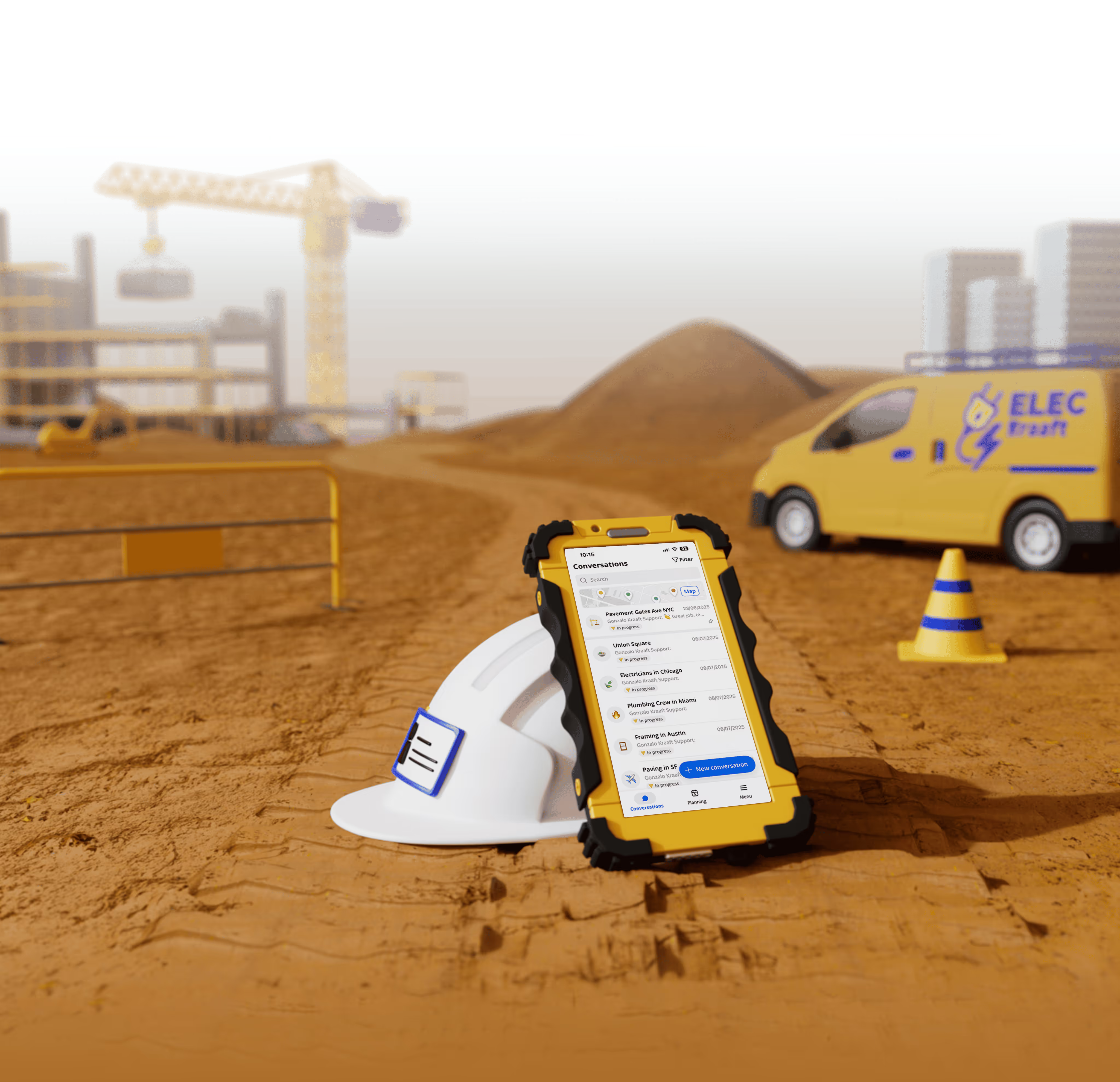
Kraaft is designed to feel natural for field teams. The experience is close to a messaging app, which makes adoption easier for crews who are not used to complex software. Photos taken in Kraaft are automatically geotagged and timestamped, which is extremely useful for tracking progress and resolving issues later. Reports can be created quickly from the field, including by voice, which saves time and reduces friction.
Because everything is organized by project, office teams always have visibility into what is happening on site. This works especially well for companies managing many smaller or mid-size projects across different locations.
Contractor Foreman: more office-driven
Contractor Foreman offers a wide range of features for managing construction projects, including budgeting, scheduling, and compliance. It can work well for office-heavy workflows and larger programs that require more structured project management.
However, for field crews, the experience can feel heavier. More steps are required to do simple tasks like sharing photos or sending updates, which can slow down adoption. For Spanish-speaking crews who need fast, intuitive tools, this added complexity can be a barrier.
Why simpler tools win on job sites
On job sites, speed matters. The best tools are the ones people actually use. When reporting and documentation are too complex, crews revert to texting photos and calling the office, which brings back the same data loss problems.
Kraaft’s strength is that it fits naturally into how crews already work: take photos, send quick updates, and move on. This leads to better documentation without adding more admin work to the day.
How to roll out bilingual tools successfully
The best way to start is with a small pilot. Pick one project and a few team members from both the field and the office. Keep the training short and focused on real use cases like daily reports and photo documentation. After a couple of weeks, review what’s working, adjust if needed, and then expand to more projects.
This approach helps teams adopt the tool gradually and avoids overwhelming crews with too many changes at once.
Which tool should you choose?
If your priority is fast adoption by Spanish-speaking crews, clear documentation from the field, and fewer lost photos and messages, Kraaft is usually the better fit. It focuses on the realities of job sites and makes it easy for crews to contribute useful data without slowing down their work.
If your main need is complex office workflows and centralized program management, Contractor Foreman can make sense, but it often requires more training and buy-in from the field.

Reconnect the site
and the office