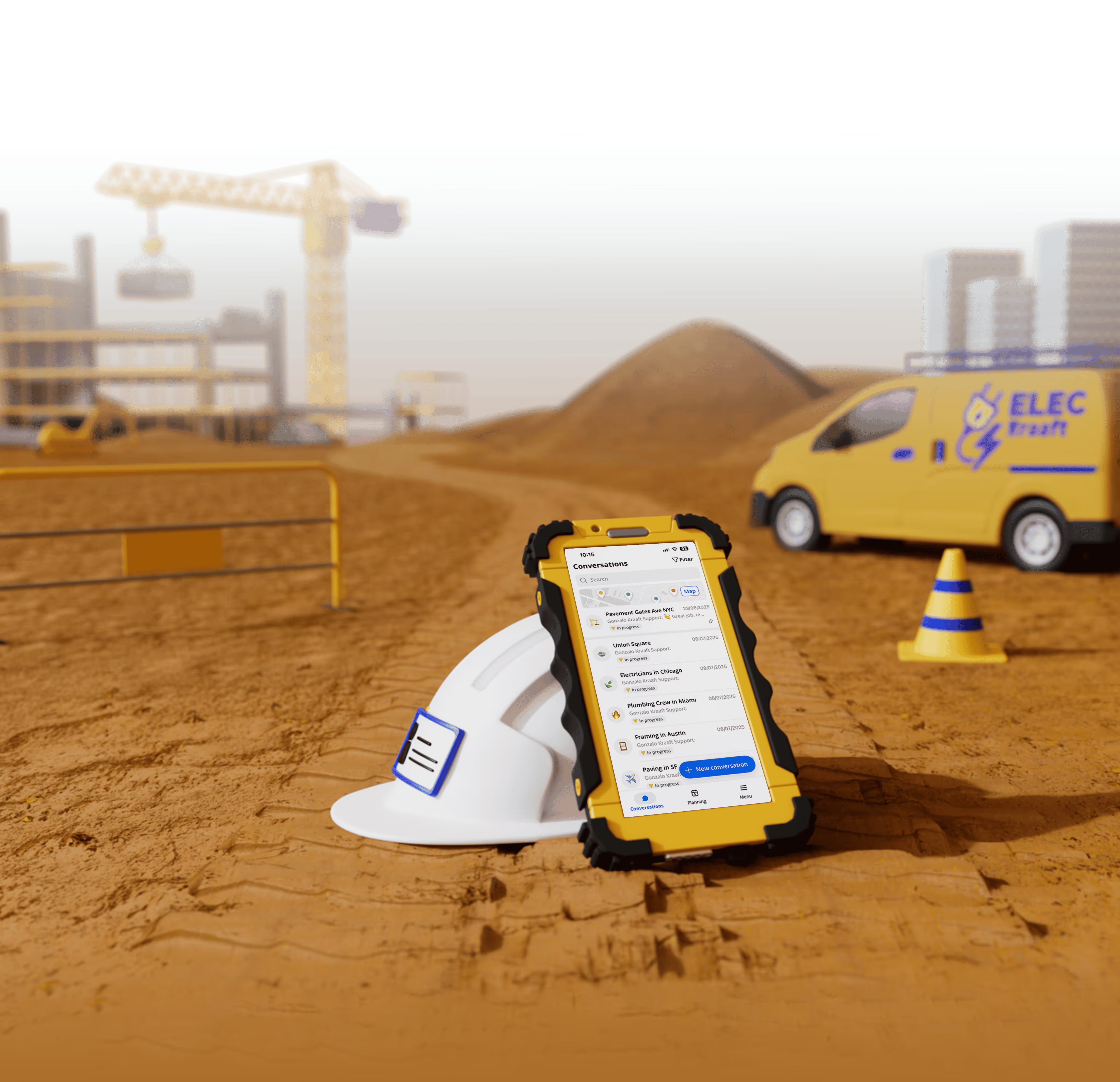




Best Construction Software for Solar Installation Contractors (2026 Guide)
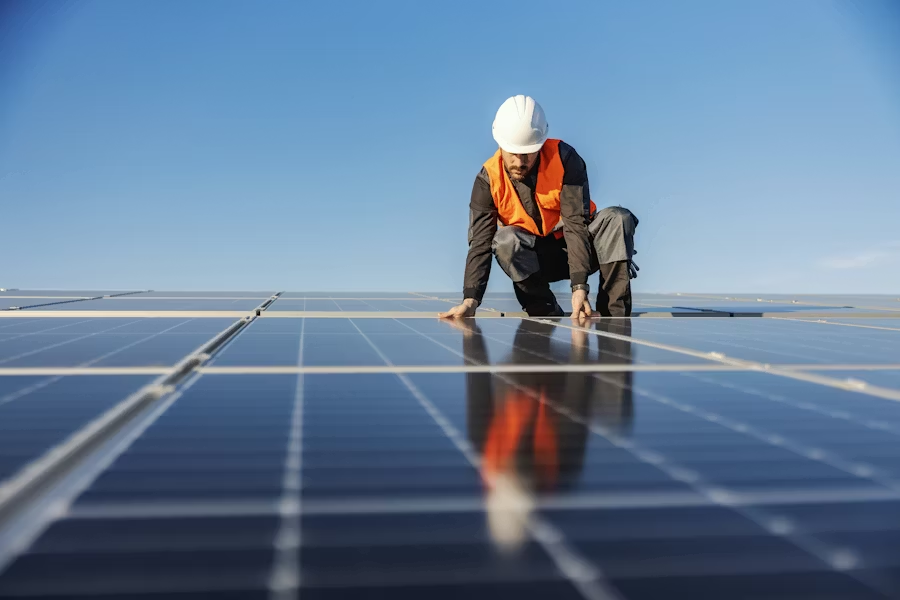
Best Construction Software for Solar Installation Contractors (2026 Guide)
A field-first guide for solar EPCs, installers, and O&M crews choosing the right app in 2026 — and why “office-first” construction software keeps failing on the rooftop.
Solar is no longer the niche corner of construction it used to be. With residential, commercial, and utility-scale solar booming across North America and Europe, installation contractors are scaling crews faster than ever — and most of them are trying to run those crews on tools that were never built for the rooftop, the open field, or the unfinished substation. If your installers are still juggling group texts, paper checklists, lost photos in a foreman’s camera roll, and a clunky office-only project tool, you’re leaving margin and safety on the table. This guide breaks down what solar contractors actually need from construction software in 2026, where most platforms fall short, and why a growing number of installers are switching to Kraaft — the 7-in-1 mobile-first app built for trades that live in the field.
Why Solar Installation Is a Special Case in Construction Software
Solar installation looks like construction — but it doesn’t move like traditional construction. A residential rooftop install can be done in a single day. A commercial flat-roof project might span a few weeks. A utility-scale ground-mount can stretch over a year, with hundreds of subcontractors rotating across mounting, racking, electrical, commissioning, and O&M phases. The same software has to support all three.
What makes solar uniquely tough on traditional construction tools:
Photo documentation is the deliverable. Module serial numbers, torque marks on connectors, geotagged before/after photos for the AHJ, and inverter commissioning shots are non-negotiable. The wrong photo in the wrong folder can hold up an interconnection for weeks.
Crews are constantly remote. Rural ground-mount sites and rooftops outside cell coverage are normal. If your software dies offline, your install dies offline.
Multi-trade coordination. Roofers, racking installers, electricians, and inspectors are all touching the same job, often on different days. Communication has to be threaded by site, not buried in a global chat.
The site is the office. Foremen don’t want to log in to a desktop tool at 7pm to update reports. They’ll do it in 30 seconds on a phone or not at all. (We wrote more about this in The Rise of Mobile-First Construction Tools.)
The 7 Capabilities Every Solar Contractor Needs in 2026
If you’re evaluating software for a solar crew, run any candidate against this list before you sign anything:
1. WhatsApp-style chat organized by site. Foremen already chat all day. The job is to keep that habit and make it traceable. Kraaft’s chat feature mirrors WhatsApp’s feel, but every message is auto-tagged to a project so nothing gets lost. (See why we built it this way in our WhatsApp alternatives for construction post.)
2. Photo capture with auto-geotagging and timestamps. Every photo of a stamped roof rafter, a torqued lug, or a post-installation array becomes an indisputable record — useful for the AHJ, for warranty claims, and for change orders.
3. Maps and pin-based site organization. Utility-scale solar covers acres. Kraaft Maps lets crews drop pins on inverter pads, combiner boxes, or specific rows of modules and attach the conversation to a location, not just a project name.
4. Custom reports without paperwork. Daily logs, commissioning checklists, safety toolbox talks, and equipment punch lists should auto-fill from the day’s field activity. Kraaft Reports lets you template once, then generate clean PDFs from a phone.
5. Centralized files. Single-line diagrams, datasheets, AHJ approvals, NEC reference cards. Foremen need them on the truck, not in a forgotten Dropbox. Kraaft Files keeps the right doc one tap away.
6. Planning visibility. When a roofer pushes a day, racking pushes too. Kraaft Planning gives both office and field a shared view of who’s on which site, which day.
7. Offline mode. Solar farms in West Texas, Quebec, or rural Spain don’t care about your 4G plan. Software that can’t queue messages, photos, and reports for sync is a dealbreaker. (More on this in Offline Mode Matters.)
Why Generic Construction Software Fails Solar Crews
Most of the well-known names in construction software were originally built for general contractors managing vertical commercial builds — not for high-volume, field-first trades like solar. The result is software that’s optimized for the project manager at a desk, not the lead installer on a 40-degree rooftop.
Tools like Procore and Autodesk Build are powerful — but they’re also heavy, expensive per seat, and notoriously hard to get adopted by field crews. (We unpacked this trade-off in our Procore alternative and Autodesk Build alternative articles.) For a 12-person solar crew, you’ll often pay for licenses no one logs into.
Daily-log products like Raken and Fieldwire are closer to the field, but still skew toward general contracting workflows — RFIs, drawings, plan markup. Solar installers don’t live in plan sets the way commercial GCs do; they live in photos, serial numbers, and short messages. (See Raken alternatives and Fieldwire alternatives.) Photo apps like CompanyCam are great for the photo layer but stop short of being a real collaboration tool — there’s no real chat, no reports, no planning. (We compared this in CompanyCam alternatives.)
The honest pattern: solar contractors usually end up stitching together WhatsApp + a photo app + a spreadsheet + a PM tool. Each tool is fine. The seams between them are where margin disappears.
How Kraaft Fits Solar from Survey to O&M
Kraaft was built specifically for subcontractors and field-first trades — the kinds of teams that need a tool the foreman will actually open. Here’s how it maps to a solar workflow:
Site survey. The surveyor opens a new project in Kraaft, drops a pin on the address, takes geotagged photos of the roof, the main service panel, and the proposed inverter location, and posts them straight into the project chat. The estimator sees the photos in real time — no drive folder, no email thread.
Pre-install kickoff. The PM uploads the AHJ permit, the SLD, and the equipment datasheets to the project files. The crew lead pulls them up on the truck the morning of the install.
Install day. The crew uses the project chat to flag issues — a missing rail, a damaged module, an unexpected obstruction. Each message is timestamped and tied to the site. Photos are dropped in as racking goes up. At the end of the day, the foreman generates a daily report from a saved template (modules installed, torque checks, hours, safety briefing) and exports it as a PDF in 20 seconds.
Commissioning. Inverter startup photos, IV-curve traces, and final string voltage readings are dropped into a commissioning report. The interconnection package is built from real field data, not reconstructed from memory two weeks later.
O&M. Each customer site stays in the system. When a panel underperforms two years later, the O&M tech opens the original project, sees the photos from day one, the serial numbers, and the commissioning report — and resolves the truck roll in one visit.
The point isn’t that any one of these steps is impossible elsewhere. It’s that doing them in one app, on a phone, in under five seconds, is the difference between a crew that adopts the tool and a crew that quietly goes back to text messages. (More on the cost of that breakdown in The Hidden Costs of Miscommunication in Construction.)
Where Solar Overlaps with Trades Kraaft Already Powers
Most solar installers also touch electrical and roofing work, and many EPCs subcontract those trades directly. If you already use Kraaft on the electrical or roofing side, the solar workflow plugs in without retraining anyone — same chat, same reports, same files.
Worth a look:
The dedicated electrical trade page covers how Kraaft handles inspection logs, panel work, and conduit installs — directly relevant to AC-side solar. The roofing trade page covers shingle and flat-roof workflows that overlap with rooftop module installation. And our deep dives on software for electrical contractors and software for HVAC contractors show the same field-first philosophy in adjacent trades.
What 2026 Looks Like for Solar Software Buyers
Three trends are reshaping the buy decision this year:
AI in the field, not the boardroom. The interesting AI use cases for solar aren’t executive dashboards — they’re things like auto-summarizing a week of crew chat into a customer-facing weekly update, or auto-tagging photos by component. Kraaft’s AI Agents are designed for that.
Integration over consolidation. Buyers no longer want one mega-platform. They want their field tool to talk cleanly to their accounting and CRM. Kraaft Integrations connects to common back-office stacks without forcing a rip-and-replace.
Mobile adoption is the metric. The single biggest predictor of ROI on construction software in 2026 is daily active foreman use. If your crews don’t open it every day, the data isn’t there when you need it.
Getting Started with Kraaft for Solar
If you run a solar installation business and you’re tired of stitching together five tools to manage one project, the easiest way to evaluate Kraaft is to put it on a phone for one week and let your foremen use it on a real install. You can browse customer testimonials from contractors already running their daily ops on Kraaft, check pricing, or read the rest of our deep-dive content on the Kraaft blog.
Solar is moving too fast for paper, group texts, and office-first software. The best construction software for solar installation contractors in 2026 is the one your crew actually opens — and that’s the bar Kraaft was built to clear.
Published May 2026 · Kraaft · The 7-in-1 construction app for field teams.

Reconnect the site
and the office