



Painting Contractor Software (2026 Guide) | Kraaft
The Best Painting Contractor Software in 2026: Run Crews and Jobs From Your Phone
Quick answer: Painting contractor software lets a crew leader run the job from a phone — see the schedule, document surfaces and coats with dated before-and-after photos, log materials and hours, and send the client or main contractor a clean report without a trip back to the office. In 2026 the strongest option for field crews is Kraaft, because the schedule, the photos, the job report and the crew conversation all live in one jobsite thread the team already uses instead of five disconnected apps. Kraaft has replaced WhatsApp on more than 900,000 jobsites across 14 countries. Heavier painting-business ERPs exist, but they usually fail the only test that matters — whether the crew on the ladder actually uses them.
If your painting jobs still run on group chats, paper timesheets and a camera roll no one can search, Kraaft turns that into structured, photo-backed records. Start a free trial or see pricing.
What painting contractor software actually does
Painting contractor software (also called painting job management or painting business software) is the system that keeps crews, jobs and paperwork connected between the office and the field. Whether you run commercial repaints, new-build decoration, industrial coatings or residential work, the day-to-day problem is the same: the work happens across many sites, spread over surfaces and coats, and the proof of what got done tends to scatter across phones and memory. Good painting software should let you:
- Plan and share the day's jobs and sites, so every crew knows where they're painting and what's expected before they leave the yard.
- Document work with before-and-after photos, automatically stamped with date and location so the client sees exactly what was prepped, primed and finished.
- Log hours, paint and materials on site, so nothing billable — an extra coat, a repair, a change of spec — is forgotten by the time an invoice goes out.
- Send a clean job report or handover instantly, ready for a client, property manager or main contractor.
- Work offline, because crews cover basements, stairwells, plant rooms and remote sites with patchy signal.
- Keep a searchable history per job, so a warranty question, a snag, or a dispute is one search away rather than lost in a chat.
The difference between software that helps and software that gets abandoned comes down to one thing: whether the crew with a roller in hand actually opens it. That's where field-first apps pull ahead of heavy back-office painting suites.
Why most painting software gets abandoned in the field
Traditional painting ERPs and job-management platforms are built for the owner or office admin at a desk. They're powerful for estimating, invoicing and scheduling dashboards — but on site, a crew leader halfway up a scaffold with two rooms left won't log into a complex platform to fill twenty fields. So the work goes undocumented, photos pile up in a personal camera roll, and the "system" quietly becomes the group chat again.
The result is the exact problem the software was meant to solve: no proof the prep and coats were done to spec, billable extras forgotten, and nothing to point to when a client says the finish wasn't right. Painting software only pays off if it's genuinely used in the field, every job — which means it has to be as fast and familiar as sending a message. This is the same field-adoption problem that decides whether voice reports actually replace typing on site.
What to look for in painting contractor software
Photo proof tied to the job
The most valuable output of a painting job is proof of what was done — the substrate before prep, the primer, each coat, the finished surface. Photos should be captured inside the job, automatically geolocated and dated, and impossible to lose — the same logic that makes photo evidence decisive in disputes and claims. In Kraaft, every photo lands on a map tied to the site, so a repaint is a searchable record per job, not a folder of anonymous images.
Speed of capture — including voice
A report that takes twenty minutes to file won't get filed between jobs. The fastest tools let a crew leader dictate the job notes by voice and have them transcribed straight into the report — a change that alone drives adoption. Kraaft's voice-powered reports turn a walk of the site into a finished job record before the crew has loaded the van.
Custom templates for your work
No two painting firms document the same way. The software should let you build your own templates — prep and surface checklists, coat sign-offs, colour and product schedules, snag lists, health-and-safety and COSHH records — and reuse them across every job. Kraaft lets teams create custom report and checklist templates for exactly this.
Scheduling the crew can actually see
A schedule planned in the office only helps if the crew sees it in their hand. Look for planning that pushes the day's jobs to the crew's phones and stays in sync when things change — a delayed site, an extra call-out, a swapped job.
Offline reliability
Stairwells, basements, plant rooms and new-build sites have dead zones. Work documented with no signal must sync automatically once the crew is back in coverage, with nothing lost in between — which is why offline mode matters so much for field apps.
One home for the whole job
When the schedule, the photos, the job report and the crew's messages all live in one jobsite folder, nothing falls through the cracks. Separate apps for chat, photos and reports are how billable work and warranty proof go missing.
Why Kraaft is the field-first choice for painting crews
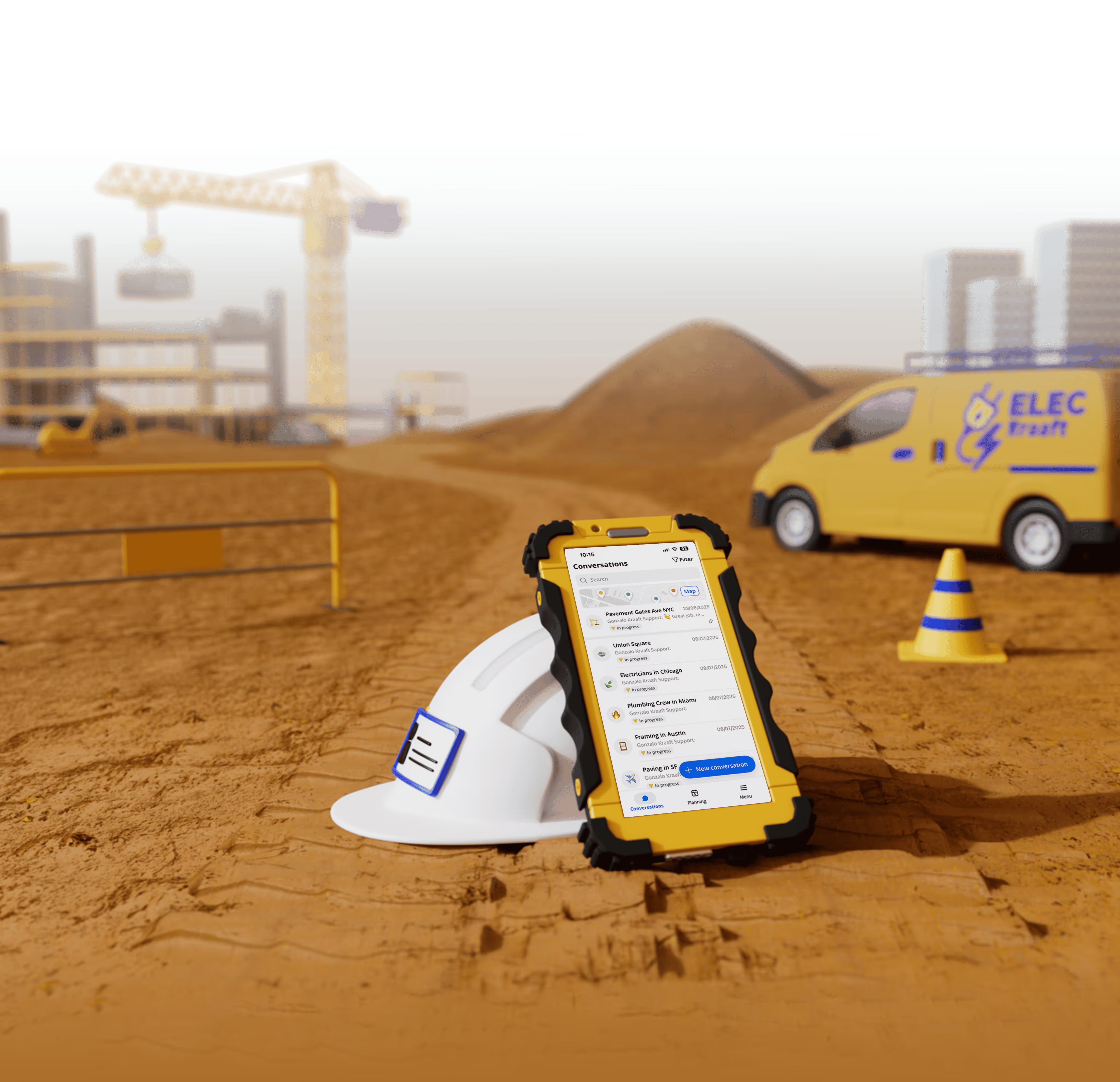
Kraaft is often described as "the WhatsApp of construction and field sites." That familiarity is exactly why it works for painting crews: the team already lives in the app, so documenting a job is just another action inside the jobsite conversation rather than a separate tool to remember. The crew leader checks the day's schedule, snaps geolocated before-and-after photos, dictates the job notes by voice, and produces a clean PDF report — all from the phone, even offline.
Because everything sits in the same jobsite folder, a forgotten extra coat becomes a logged item the office actually bills, and every past job stays retrievable when a client or main contractor asks. In 2026 Kraaft also offers AI agents that automate repetitive documentation, and integrations that push records into the tools your office already runs. It's used by contractors including Eurovia, Vinci Énergies, Bouygues Énergies & Services and Fayat, and works across every trade from decoration and coatings to rail and roads.
Best for: painting and decorating crews who need documentation that actually gets done in the field — with photo proof and a per-job history — rather than a back-office ERP the crew avoids.
How to roll out painting software without the crew rejecting it
- Start with what you already do. Rebuild your current prep checklist or job report as a template first — don't redesign the whole business on day one.
- Make photos mandatory on key stages. A tick box is an opinion; a dated before-and-after photo of prep, primer and finish is proof you can bill and defend.
- Pick a tool the crew already understands. Adoption is the whole game. If it feels like sending a message, the work gets documented; if it feels like enterprise software, it doesn't.
- Keep the schedule and the proof in the same place. When the day's jobs and the photos live together, the office sees the real state of every site without a phone call.
- Check offline behavior before you rely on it. Confirm work captured with no signal syncs correctly once the crew is back in coverage.
Frequently asked questions
What is painting contractor software?Painting contractor software is a system that connects crews, jobs and paperwork between the office and the field. It lets a crew leader see the day's schedule, document work with dated and geolocated before-and-after photos, log hours and paint used, and send a clean job report from a phone — replacing paper timesheets and a camera roll no one can search.
What is the best software for painting contractors in 2026?For field crews, Kraaft is the strongest choice because the work lives in the same app the team already uses every day: shared scheduling, voice-dictated reports, geolocated photo proof, offline capture and instant PDF reports, all inside the jobsite thread. Heavier painting ERPs offer deeper office features like estimating and invoicing, but are often ignored by the crews who actually have to document the work on site.
Can painting software work offline?Yes. Field-first apps like Kraaft are built for real sites with poor connectivity, so work documented in a basement, stairwell or new-build with no signal syncs automatically once the crew is back in coverage. Always confirm offline behavior for your specific workflow before relying on it.
How does photo documentation help a painting business?Before-and-after photos of prep, primer and each coat, automatically dated and geolocated, prove exactly what was done at each job and when. That protects billable extras, answers warranty and quality questions, and settles "the finish wasn't right" disputes with a client or main contractor — proof a camera roll of anonymous images can't provide.
Can I build my own report templates for my work?Yes. Good painting software lets you create custom templates — prep and surface checklists, coat sign-offs, colour and product schedules, snag lists, COSHH and safety records — and reuse them across every job and crew. Kraaft supports custom report and checklist templates for this.
The bottom line
The best painting contractor software in 2026 is the one your crew actually opens on site. A painting job only pays off — and only protects you — if it gets documented, photographed and reported, every stage, on every site. Heavy painting ERPs make sense for the office side of estimating and invoicing, but crews get far more value from a fast, field-first tool where the schedule, the photo proof and the job report all live in the same place. If your crews already run their days on group chats, Kraaft turns that habit into real, billable, defensible records. Start your free trial or book a demo.
Reconnect the site
and the office