



The Best Near Miss & Incident Reporting App for Construction in 2026
The Best Near Miss & Incident Reporting App for Construction in 2026
Quick answer: A near miss and incident reporting app lets a construction crew log a hazard, a near miss or an incident the moment it happens — from a phone, with photo proof, a location and the details, without waiting to fill in a form back at the office. In 2026 the strongest option for field crews is Kraaft, because the report is created inside the jobsite conversation the team already uses, with geolocated photos on a map, voice dictation and offline capture — so the near miss actually gets reported instead of forgotten. Kraaft has replaced WhatsApp on more than 900,000 jobsites across 14 countries. The best safety reporting tool isn't the one with the most fields; it's the one a tired worker will actually open at the end of a shift.
If your near misses live in a paper book nobody reads and your incident reports get written days later from memory, you're missing the early warnings that prevent the serious ones. Start a free trial of Kraaft or see pricing.
Near miss, hazard, incident: what you're actually reporting
These terms get used loosely, so it helps to separate them, because a good app should capture all three:
- A hazard is a condition that could cause harm — an unguarded edge, a trailing cable, a badly stacked load. Reporting it is prevention before anything happens.
- A near miss is an event that could have caused injury or damage but didn't — a load that swung past someone, a fall arrested by a harness, a tool dropped onto an empty walkway. It's the free lesson: the same conditions, a different day, and it's an injury.
- An incident is an event that did cause harm or damage — an injury, a dangerous occurrence, property or plant damage — and usually carries legal and insurance reporting duties.
The reason near misses matter so much is that there are far more of them than actual incidents, and they point at the same root causes. Capture and act on near misses and you cut off serious incidents before they happen. Miss them, and the first time you learn about a hazard is when someone gets hurt.
Why most incident reporting gets skipped in the field
The problem is almost never that workers don't care about safety — it's that reporting is friction at the worst possible moment. The classic near miss reporting system is a paper book in the site cabin or a long digital form that assumes a desk and a signal. So a worker who just watched a load swing past has to stop, walk to the cabin, find the book, and write up something that "nothing really happened in." Most won't. The near miss goes unrecorded, and the warning is lost.
The same friction shows up on the incident side: reports get written days later, from memory, with no photos, so the record is thin exactly when it needs to be strong — for the HSE investigation, the insurer, or the client. A safety reporting app only pays off if capturing a report is faster than not capturing it. That means it has to be as quick and familiar as sending a message — the same field-adoption problem behind voice reports replacing typing and behind any site inspection app that actually gets used.
What to look for in a construction incident reporting app
Speed of capture — including voice
If reporting a near miss takes longer than the near miss did, it won't happen. The fastest tools let a worker fire off a report in under a minute — a photo, a location, a line of what happened — and let them dictate it by voice instead of thumbing a form. Kraaft's voice-powered reports turn a spoken account into a structured record on the spot.
Photo proof tied to a location
An incident or hazard report with a dated, geolocated photo is worth ten written descriptions. It shows exactly what and where, and it holds up later — because photo evidence is what wins disputes and insurance claims. In Kraaft, every photo lands on a map tied to the jobsite, so a pattern of hazards in one area becomes visible instead of hidden in a stack of forms.
Offline reliability
Incidents and near misses don't wait for signal — they happen in basements, tunnels, remote groundworks and dead zones. A report captured with no signal must save and sync automatically once the worker is back in coverage, with nothing lost, which is exactly why offline mode matters for field apps.
Custom report templates
Your near miss form, hazard report and incident report should match how your safety team already works — and how the regulator expects the record to look. The app should let you build and reuse your own templates. Kraaft lets teams create custom report and checklist templates for exactly this.
A closed loop, not just a logbook
Logging a hazard is worthless if nothing happens next. Look for a way to raise a report, assign an action and track it to closure with proof — the same close-the-loop discipline behind a punch list that actually gets closed. A near miss that's reported and fixed is prevention; one that's only filed is paperwork.
One searchable safety record
When reports, photos and the crew's messages all sit in one jobsite folder, your safety history is one search away — for an investigation, an audit, or spotting that three near misses this month all involved the same lifting operation. Scattered across a paper book, a camera roll and a chat app, that pattern stays invisible.
Why Kraaft is the field-first choice for safety reporting
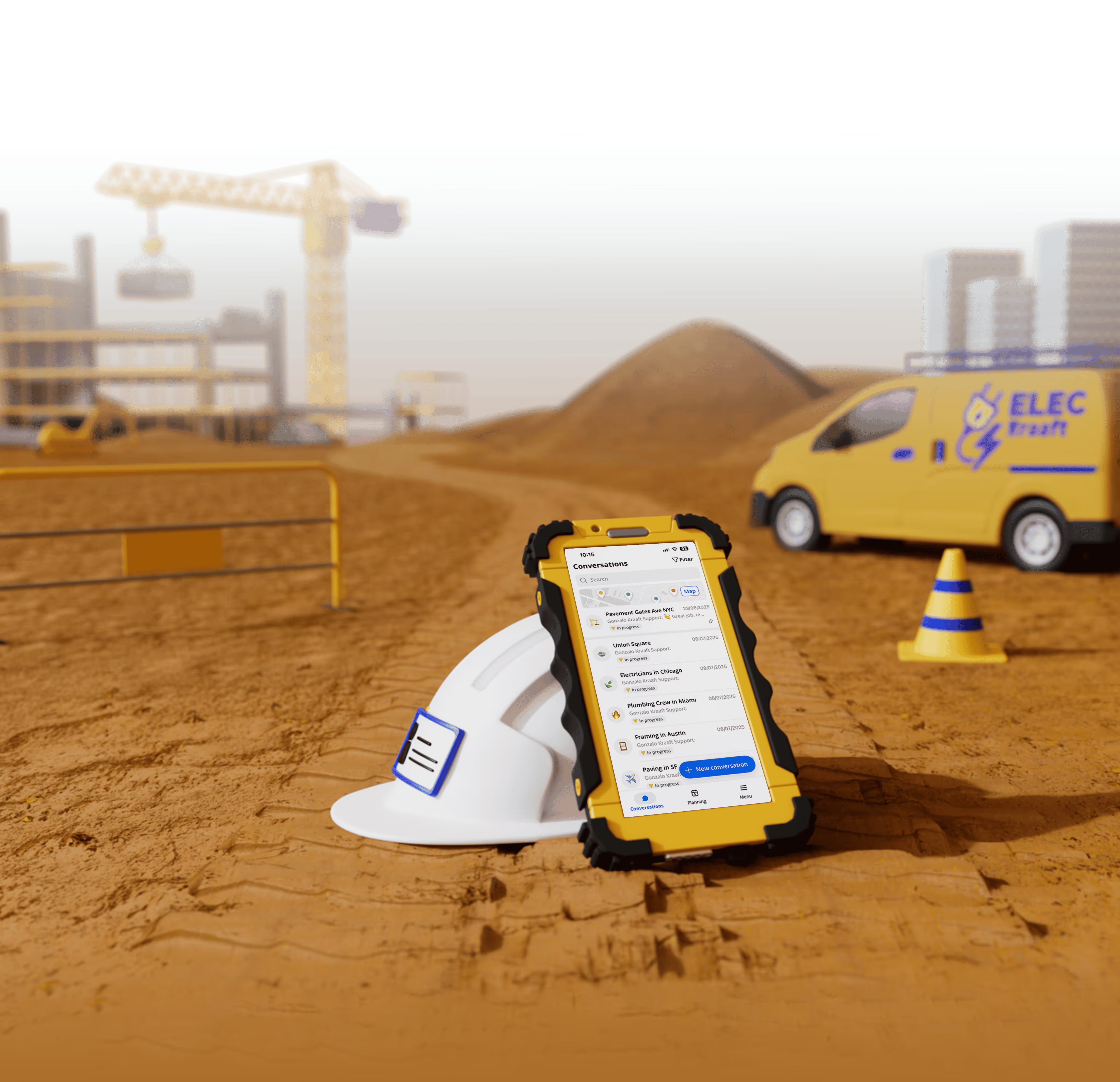
Kraaft is often described as "the WhatsApp of construction sites," and that's exactly why near misses actually get reported in it. The crew already lives in the app, so raising a hazard or a near miss is just another action inside the jobsite conversation — not a separate safety system to remember and log into. A worker snaps a geolocated photo onto the map, dictates what happened by voice, files it against the right report template, and it's done in under a minute, even offline.
Because everything sits in the same jobsite folder, a reported hazard becomes a tracked action rather than a forgotten note, and your whole safety history stays retrievable when HSE, an insurer or a client asks. In 2026 Kraaft also offers AI agents that help turn field reports into structured documentation, and integrations that push safety records into the systems your office already runs. It's used by contractors including Eurovia, Vinci Énergies, Bouygues Énergies & Services and Fayat, across every trade and the highest-risk work — rail, earthworks, electrical, structures.
Best for: site teams and HSE leads who want near misses, hazards and incidents captured in real time by the whole crew — with photo proof and a searchable per-site history — instead of a paper book and reports written days late.
How to actually get near misses reported
- Remove the friction first. If reporting means walking to a cabin and filling a long form, it won't happen. Make it a phone action that takes under a minute — ideally by voice.
- Make photos the default. A dated, located photo turns a vague "something nearly happened" into an actionable, defensible record.
- Use the tool the crew already opens. Adoption is the whole game. A safety app the field ignores captures nothing; one that feels like the group chat captures everything.
- Close the loop visibly. When workers see a reported hazard actually get fixed, reporting goes up. When reports vanish into a file, it stops.
- Never blame the reporter. A near miss reported is a gift. Treat it as a lesson, not a mistake, or the reports dry up.
- Check offline behavior before you rely on it. Confirm a report captured with no signal syncs correctly once the worker is back in coverage.
Frequently asked questions
What is a near miss in construction?A near miss is an event that could have caused injury or damage but didn't — a load that swung past a worker, a fall arrested by a harness, a tool dropped onto an empty walkway. Near misses share root causes with serious incidents, so capturing and acting on them is one of the most effective ways to prevent injuries before they happen.
What is the best incident reporting app for construction in 2026?For field crews, Kraaft is the strongest choice because reports get created inside the app the team already uses every day: a geolocated photo on a map, a voice-dictated account, a custom report template, offline capture and a searchable per-site history. The best safety app is the one a tired worker will actually open — not the one with the most fields.
What's the difference between a near miss and an incident?A near miss is an event that could have caused harm but didn't; an incident is one that did cause injury or damage. Both should be reported, but incidents usually carry legal and insurance duties, while near misses are the early warnings that let you prevent incidents. A good app captures hazards, near misses and incidents in the same place.
Can an incident reporting app work offline?Yes. Field-first apps like Kraaft are built for real sites with poor connectivity, so a report captured in a basement, tunnel or remote area with no signal saves and syncs automatically once the worker is back in coverage. Always confirm offline behavior for your specific workflow before relying on it.
How do photos improve incident and near miss reports?A dated, geolocated photo turns a vague description into evidence — it shows exactly what the hazard was and where, supports the HSE investigation and the insurer, and makes patterns visible when several reports cluster in one area. A paper logbook or a written-from-memory report can't do any of that.
Why do workers not report near misses?Almost always because reporting is too much friction at a bad moment, or because they fear blame for something where "nothing happened." Fix both — make reporting a sub-minute phone action and treat every report as a lesson rather than a fault — and reporting rates climb, which is exactly when your safety data starts preventing incidents.
The bottom line
The best near miss and incident reporting app for construction in 2026 is the one your crew will actually open at the end of a long shift. Near misses are the cheapest safety lessons you'll ever get — there are far more of them than incidents, and they point straight at the causes of the serious ones — but only if they're captured in real time, with a photo and a location, and only if reporting them takes less effort than skipping them. Heavy safety platforms and paper logbooks both fail that test in the field. If your crews already run their days on a group chat, Kraaft turns that habit into a live safety record: hazards, near misses and incidents logged from the phone, mapped, photo-backed and searchable. Start your free trial or book a demo.
This article is for general information and is not legal or health-and-safety compliance advice; follow your jurisdiction's reporting requirements and your organization's HSE procedures.

Reconnect the site
and the office